
Statistics
Open . The All / Manga / Novels chips at the top choose what every number, chart and list below counts.
The overview
The first four cards count your library, chapters and trackers. Below them:
- Publishing status and Tracking status show how your series split, with the counts beside each chart. Tracking status counts series you track, by the status of your first signed-in tracker. Tap a status in the list beside the chart to list those series; the chart itself does not respond to taps.
- Scores shows how many series sit at each mean tracker score from 1 to 10. Tap a bar to list the series at that score.
- Reading this week shows your reading time for the last seven days, your current streak of reading days and your longest one.
- Most read ranks the series you have spent the longest reading. Tap one to open it, or See all for every series you have read.
- Sources, Tags, Categories, Trackers, Languages, Series length and Started reading list your top five in each.
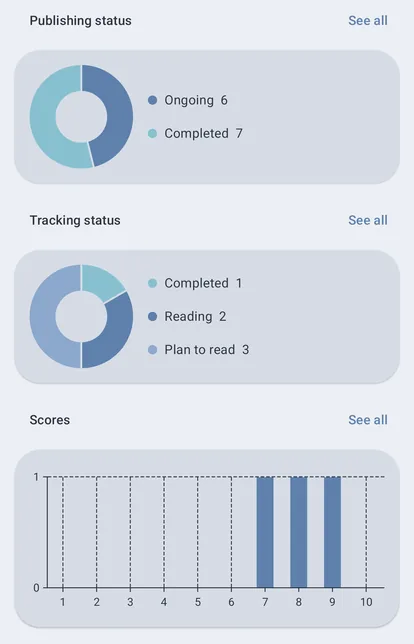
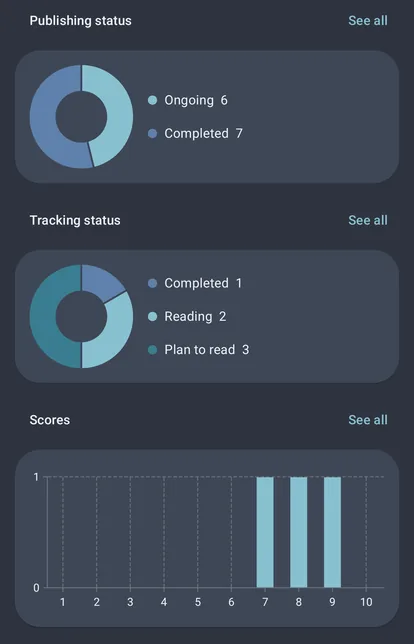
On a tablet or an unfolded phone the cards sit side by side in three groups, At a glance, Charts and Your library by, with every card in a row the same height. A phone shows one column.
A series merged from several sources counts once, except in Sources, Tags, Trackers and Languages, where it counts under each one it has. Those lists can add up to more than your library.
Opening a list
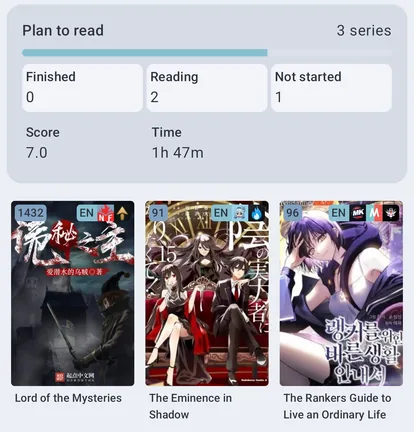
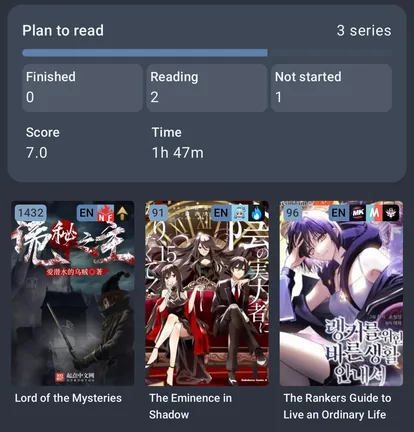
See all on a card opens the whole list, one card per row on a phone and several side by side on a wider screen. Each shows how many of its series you have Finished (read every chapter), are Reading and have Not started, then its mean score and reading time. Where the list has no order of its own, the sort button in the top bar orders it by most series, chapters read, mean score or reading time.
Tap a row to list the series it counts, drawn as your library draws them: the same display mode, columns, sort and badges, but none of its filters, so the list always matches the row. The row's card sits on top; tap Finished, Reading or Not started on it to narrow the list, and again to clear it. Tap a series to open it; back returns to the list, then to Statistics where you were.
Reading time
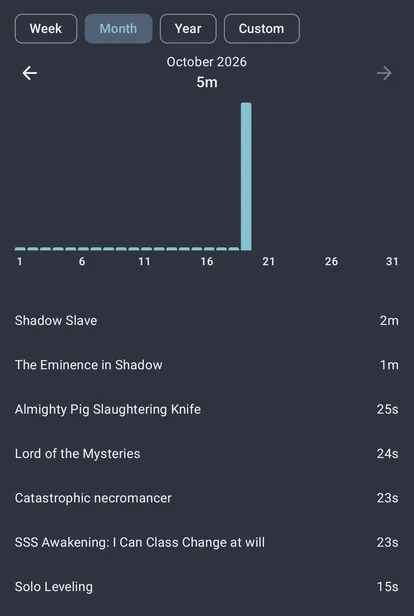
Open on Reading this week shows your reading time with the series you read and for how long. Pick Week (the last seven days, a bar per day), Month (a bar per day) or Year (a bar per month), or Custom to choose any dates: up to two months gets a bar per day, up to three years a bar per month, and longer a bar per year. The arrows step back or forward by the same length. Tap a bar to list only its dates, and tap it again to see the whole period. Tap a series to open it.
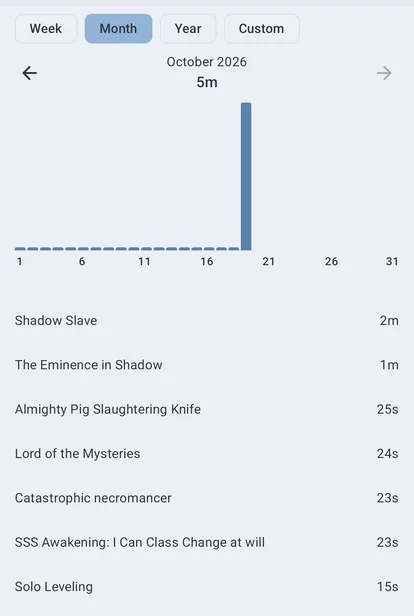
Reading time per day is recorded from version 0.5.0 on. Reading from before that still counts toward the overview's total, but not toward any day, streak or the reading-time lists, since earlier versions kept only each chapter's total. Clearing all of your history clears the daily record too.
Started reading
Started reading groups your series by the year you started them. It uses the start date a tracker holds for the series. Without one, it uses the first day the app recorded you reading it. A series with neither is Unknown.